An electrician receipt is the payment record an electrician gives a client after a paid job, listing labor, materials, permits, tax, totals, the date and time, business info, and the license number. You can make one for free with the form above: fill in the job details, check the totals, then download the receipt as a PDF or PNG, or print it.
I’ve looked over plenty of trade paperwork, and the receipts that cause arguments are rarely wrong on the math. They fail because the line items are vague. A single row reading “electrical work, $640” tells a homeowner nothing, while separate rows for the breaker swap, the call-out and the parts answer questions before anyone asks them.
A receipt also does a different job from an invoice. The invoice asks for money; the receipt confirms the money arrived. That makes the receipt the client’s proof of purchase if a fitting fails later, and it gives the electrician a dated record that the job is settled.
Generic retail templates miss what electrical clients and inspectors care about, such as the license number and separate permits rows. That gap is why this template sits alongside our other trade-specific receipt templates, for the same reason a plumber receipt needs its own layout. For anything outside the trades, the general receipt maker does the job.
Can I Rearrange Labor, Materials, and Permit Lines on an Electrician Receipt?
You don’t need to: the form above takes labor costs, materials used, and permit charges as separate line items, so the electrician receipt comes out in a clear order without a drag-and-drop builder.
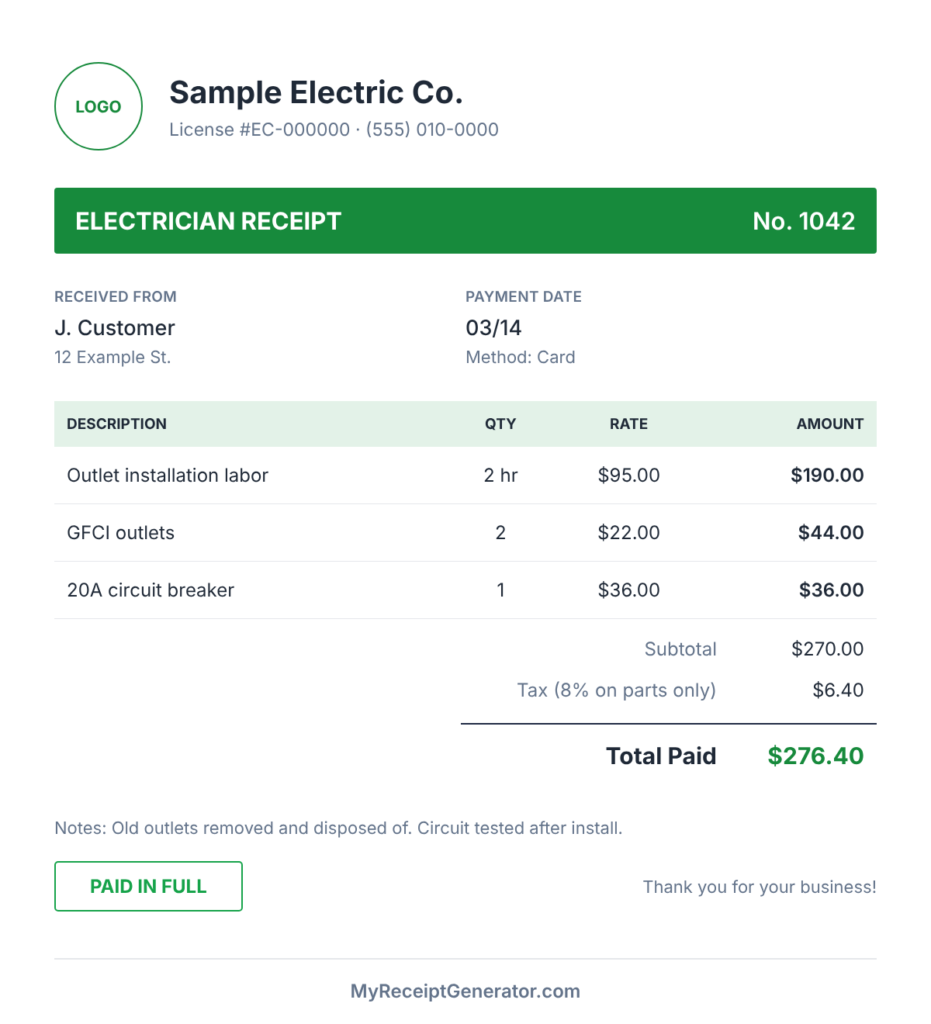
Each line item takes a description, quantity, and rate, which is all you need for an itemized price table. On one job covering new wiring, two sub-panels, and six outlets, giving each its own row stopped the client from querying the bill at all.
I still enter lines in the order clients think: labor costs first, materials used second, then permits and inspections, which are carried out against the National Electrical Code (NFPA 70). Order matters more for electricians than for retail sellers, because a service receipt mixes time and parts, and grouping related elements keeps each charge traceable.
One practical tip: edit every field before you download. Placeholder text left in the notes box is exactly how sample wording ends up on a real client’s copy.
Can I See the Electrician Receipt Change While I Edit It?
Yes, the totals on this electrician receipt update automatically as you type, and you can preview the result before you download or print it.
When you add a line item or remove one, the total section recalculates on the spot, with tax and any discount applied. I treat that as a quick audit: if the figure jumps in a way I didn’t expect, a quantity has probably landed in the rate box.
The template preview also shows the part a client reads first, the customer header with their name and service address. A misspelled name there undermines the whole page, so I check it first. There’s no need to reorder rows later; just enter them in the order you want them read.
Making changes before download beats re-sending. The form works like a simple editor in your browser, so fixing a line takes seconds, while a corrected receipt sent the next day leaves the client unsure which copy is real.
Which Export Option Suits an Electrician Receipt Best?
This electrician receipt can be saved as a print-ready document or an image, or printed straight from the browser, and the right choice depends on where the receipt is going.
Print-ready documents suit filing and tax filing, and I default to them for anything tied to warranties or returns on fitted parts, such as a faulty breaker a supplier later takes back. That stable copy becomes the professional documentation a client keeps in a home file.
High-quality images earn their place in fast client billing. A homeowner opening a text on a phone won’t fight a document viewer, and the image attaches cleanly to service records in job management apps. If an app needs smaller compressed images, convert the image version yourself.
Whatever the export choice, every copy of the customer documentation must match. Sending one version by text and another by email with a different total is a reliable way to start a dispute.
How Do I Brand an Electrician Receipt With My License and Company Details?
You brand this electrician receipt by uploading your logo (a GIF or PNG under 1MB) and entering your business details and license number. The layout itself stays fixed, so every receipt looks the same.
There’s no picker for colors or a background, and I count that as a plus. Some templates elsewhere lean on dark forest green, sage green, and white panels; they look good on screen but often print muddy on an office machine.
A fixed original design style means every receipt you issue matches. Clients and their accountants start to recognize the layout, and the merchant block at the top always shows your name, contact details, and license number in the same place.
My contrarian take is that less branding works better on a service receipt anyway. A small logo and clear text beat decoration that hides the very numbers the client needs.
Does an Electrician Receipt Need a Scannable Code?
A scannable code is optional on an electrician receipt. This form doesn’t add one, but you can make a dynamic barcode with our free generator when a job calls for it.
A code earns its place when it points to something a client or inspector actually needs, such as permit records or sign-off on inspection fees. For electrical contractors and service companies handling many jobs a week, it also works as a quick reference for whoever answers the office phone.
Because nothing has to be toggled off, the receipt stays simple by default. Use the notes box instead of extra message sections for anything the client must know, such as a warranty period or a follow-up visit.
Thermal Slip or Full Page: Which Receipt Style Fits Electrical Work?
A full-page receipt suits most electrical work better than a thermal slip, and that’s the paper style this electrician receipt template produces.
You won’t need to adjust fonts or width here. Narrow slip layouts suit a shop till, but a full page leaves room for a long parts list without squeezing descriptions onto three lines.
Some receipt sites offer worn effects and paper effects that age the page. This template doesn’t, and that’s deliberate: a crumpled-looking receipt for a job completed yesterday raises questions instead of building trust.
What matters on any style is a clear completion date, entered in the payment date field or the notes. Finished receipts without one are hard to match to a warranty period months later.
How Do I Make an Electrician Receipt in Three Steps?
You make an electrician receipt here in three steps: fill in the form above, check the totals, then download or print the file.
- Start with your business details, license number, and logo, then add the client’s name and service address.
- Line items come next: description, quantity, and rate for each job, with tax, discount, and totals worked out for you.
- Download the receipt as a PDF or PNG, or print it, and send it the same day the client pays.
There’s no AI receipt generator that asks you to upload a document or extract data from an existing receipt, and no drag and drop builder either. You type the details as plain text, which in my experience is faster for a single job than checking what an AI misread.
The first receipt takes longest; after that it’s mostly prices and a client name. The tool runs in your browser and stores nothing on a server, so keep your own copy of each file. If you’re new to this, the step-by-step receipt generator guide covers the basics.
When Does an Electrician Actually Need to Issue a Receipt?
An electrician needs to issue a receipt every time a client pays, whether the money arrives at the door, by transfer, or against an earlier quote, because the receipt closes the recordkeeping loop for that job.
| Situation | Details to show | Why it matters |
| On-site receipts after a call-out | Labor charges and payment method | The client has proof before the van leaves |
| Jobs quoted through emailed estimates | The same job-number used on the quote | Links the quoted figure to the final one |
| Recurring electrical service billing for landlords or offices | Visit date, site address, work done | Separates repeat visits at one property |
Running a service business means the receipt is also your copy of events. When a client disputes a charge six months later, the receipt with a job reference settles it faster than any memory of the visit.
The setup advice I give trades is simple: choose your template once and reuse it. Matching receipts across every job look deliberate, and they make your own records far easier to search.
Can AI Fill In an Electrician Receipt Template for Me?
No, this electrician receipt template is filled in by hand, and for a single job that’s usually quicker: open the template, type the details, and edit anything that needs fixing.
You customize your receipt by confirming that the items match what was actually installed. The receipt sections already follow a sensible order, so there’s nothing to arrange before you download.
You don’t need a live receipt canvas or a separate live preview panel either. Totals update as you type, so your edits instantly show in the figures, and you see the finished receipt before it leaves your screen.
For bookkeeping, manual entry has one real advantage over AI: every number on the receipt is one you typed and checked yourself, which is exactly what an accountant wants to hear.
What Details Should an Electrician Receipt Include?
An electrician receipt should include your company details, license and bond information, an itemized list of work, the subtotal, the tax rate, any discount, the amount paid, and payment info.
- Company details and the license number sit in the header; bond information can go in the notes box.
- Itemized labor and parts lead into a subtotal, with the tax rate and any discount shown separately.
- Payment info confirms the method, the payment date, and the currency, with USD, CAD, and others supported.
A barcode or QR codes carrying custom values, such as a job reference, can be made separately and sent with the receipt. If you use client invoicing software, match the receipt numbers so both records line up.
Can I Customize Every Part of an Electrician Receipt Template?
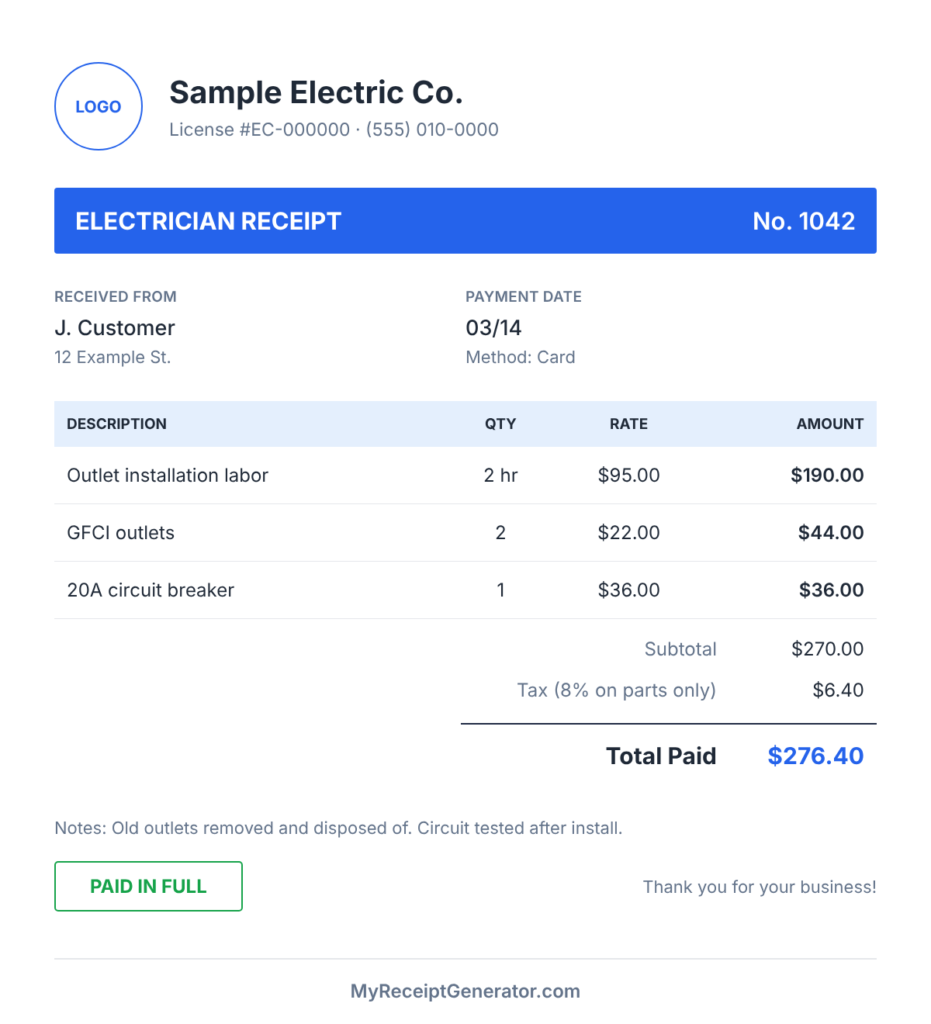
You can change every field on this electrician receipt through manual editing, though the layout itself is fixed and there’s no AI editing.
The output is a clean, white-paper style page, with no thermal style slip or worn paper treatments, which I’d skip on real client receipts anyway. You can upload a logo but not other photos, and totals recalculate in real-time before exporting.
What File Formats Can I Download an Electrician Receipt In?
This electrician receipt downloads as a PDF or PNG, and you can also print it directly from the page.
| Format | How you get it | Where I use it |
| Direct download, print-ready | Proposals, filing, and permit paperwork | |
| PNG | Direct download, high-quality image | Client presentations and screen sharing |
| JPG / JPEG | Convert the PNG yourself | Messaging apps that want smaller files |
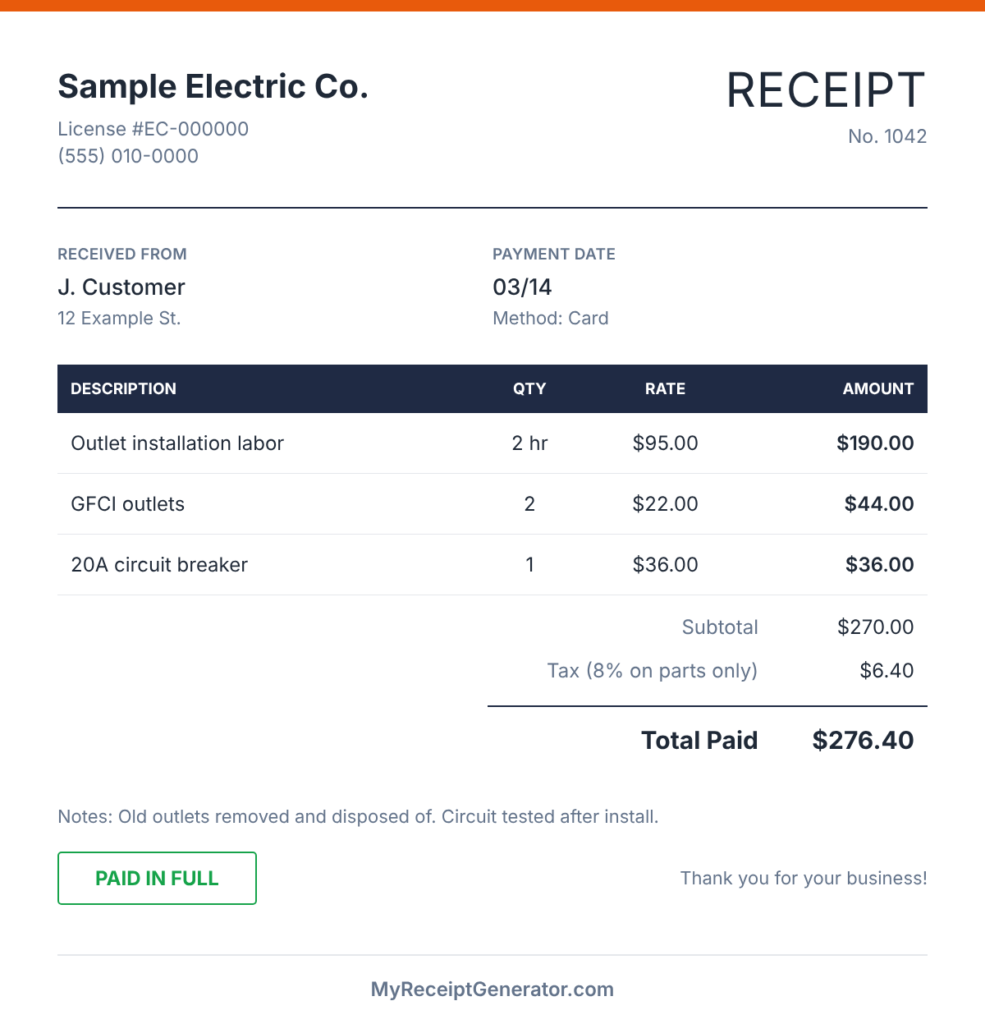
If you generate one receipt per job, keep the PDF as the master copy and send the image version, or a link to the file, from it. When receipts go into client deliverables such as a handover pack, the PDF keeps every page consistent.
Do I Need an Account to Make an Electrician Receipt?
No, you can build an electrician receipt with no account and without signing up, and the process takes three steps.
That makes the generator handy for one-off requests, like a client asking for a receipt for expense reports, reimbursements, or refunds from an employer or insurer. The tool is completely free, so a sole trader can produce purchase records for a job the same way a shop counter prints receipts for store purchases.
Is an Electrician Receipt Template Free to Use?
Yes, this electrician receipt template is completely free to try and free to keep using, with no account, no sign-up, and no watermark.
Every export option and both file formats come at no cost, so a downloaded receipt is ready for tax documentation or deductions straight away. Nothing is stored on a server, so save receipts to your own device and keep them for budget tracking or to follow your spending on materials across jobs.