If you’ve ever worked at a dental front desk, you know the moment. A patient pays half, says they’ll settle the rest next week, and three weeks later nobody agrees on how much is left. A proper dental receipt stops that from happening. This page covers what goes on one, how to make one with the receipt maker, and the small habits that keep your records clean.
Dental Receipt Basics
What Is a Dental Receipt?
It’s the slip or PDF a clinic gives a patient after they pay. It shows how much you received, when, how it was paid, and what is still owed, if anything. A bill asks for money. The receipt only says the money arrived.
Most arguments I’ve seen come from part payments. The balance sits in someone’s head, and then it’s a guess.
What Should a Dental Receipt Include?
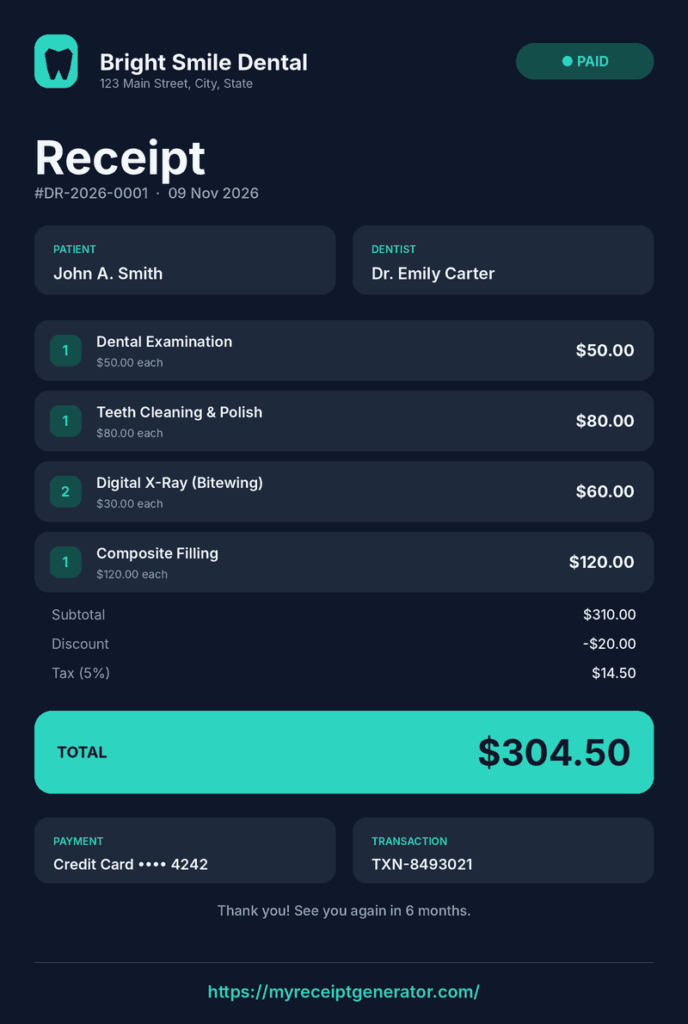
Think about what someone will ask you six months from now and put the answer on the page. These are the fields I’d always include.
| Field | Why it’s there |
| Clinic name, address and phone | So a panel or employer knows who treated the patient |
| Receipt number | So two receipts never get mixed up |
| Payment date | The day the money actually came in |
| Patient name and MR number | Links the payment to the right chart |
| Treatments, tooth numbers, quantity | What the patient paid for |
| Payment method | So it matches the cash drawer or bank statement |
| Balance remaining | What is still due, if anything |
| Received by | Who took the payment |
Receipt numbering is easy to ignore until an audit. If numbers repeat or skip, nobody notices the gap. For bank transfers, put the bank name and account number on the receipt too, so the money can be traced.
When Should a Clinic Give the Receipt?
After the money is in, not when the patient gets up from the chair. Insurance usually takes longer than people expect, and a receipt printed too early can show an out-of-pocket amount that changes later. In practice, it goes like this:
- Finish the treatment and note the date.
- Send the insurance claim.
- Collect the insurer’s share and the patient’s share.
- Print the receipt once what you collected matches what you charged.
If treatment runs over several visits, do the same for each payment.
How to Use the Dental Receipt Generator
The receipt maker takes a couple of minutes per receipt. Roughly:
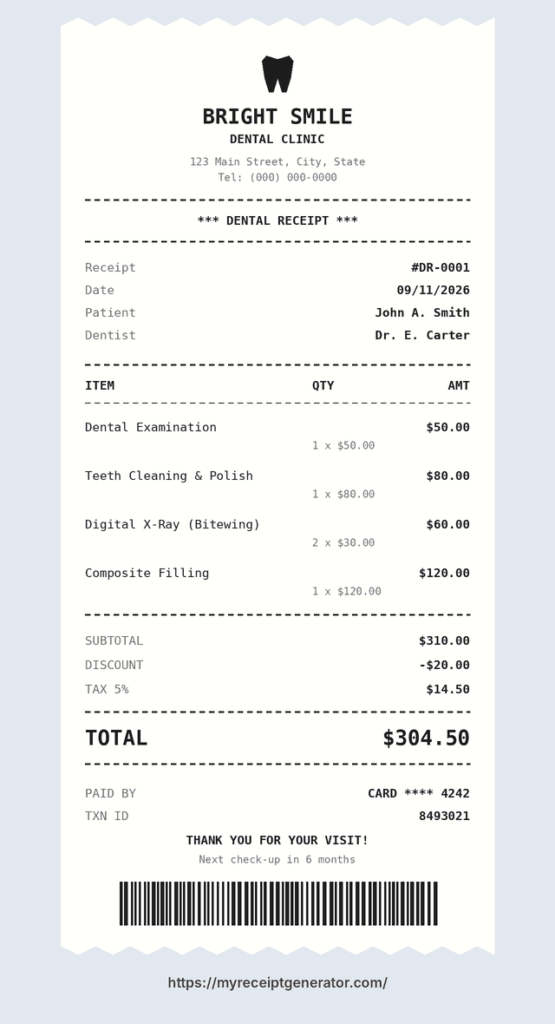
- Enter the clinic’s name, address, and phone number.
- Add the patient’s name, MR number, and a receipt number.
- List each treatment on its own line with the tooth number, quantity, and price.
- Add any discount or tax. If you’re unsure of the tax figure, a VAT/GST calculator can check it.
- Enter the amount paid and the payment method, check the balance, then print or download.
If you need a different layout, the other receipt templates include a medical receipt and a pharmacy receipt.
Itemizing, Discounts and Installments
Why List Each Treatment Separately?
A slip that says “crown, 35000, paid” doesn’t prove much. When a patient’s employer asks for proof, or a corporate panel sends the claim back, that slip can’t answer anything. People claiming medical and dental expenses need an itemised bill as well.
It only takes a few seconds to itemise each treatment, and it heads off most questions. For a crown billed at Rs 35000, write the tooth number and the procedure, not just the figure.
How Should Discounts Appear?
Put the discount on its own line, with the reason, right under the original price. If you don’t, the total looks too low, and nobody can explain why. The worst ones are verbal discounts that never get written down. Loyal patient, camp patient, staff family, whatever the reason, write it down.
At month end, check that the cash drawer, the card terminal, and the bank statement agree. Cash reconciliation is where unrecorded discounts usually turn up.
What About Installments?
Four installments mean four receipts. Each payment gets its own receipt showing what was paid and what is left. Say an implant costs Rs 120000: you’d issue four receipts against that one treatment, and each can be cash or card as long as the balances add up.
Keep the insurance share and the patient share separate, and only call the case paid in full when both have come in. If a patient pays an advance before treatment starts, mark it as an advance and apply it later.
Printing and Sending Receipts
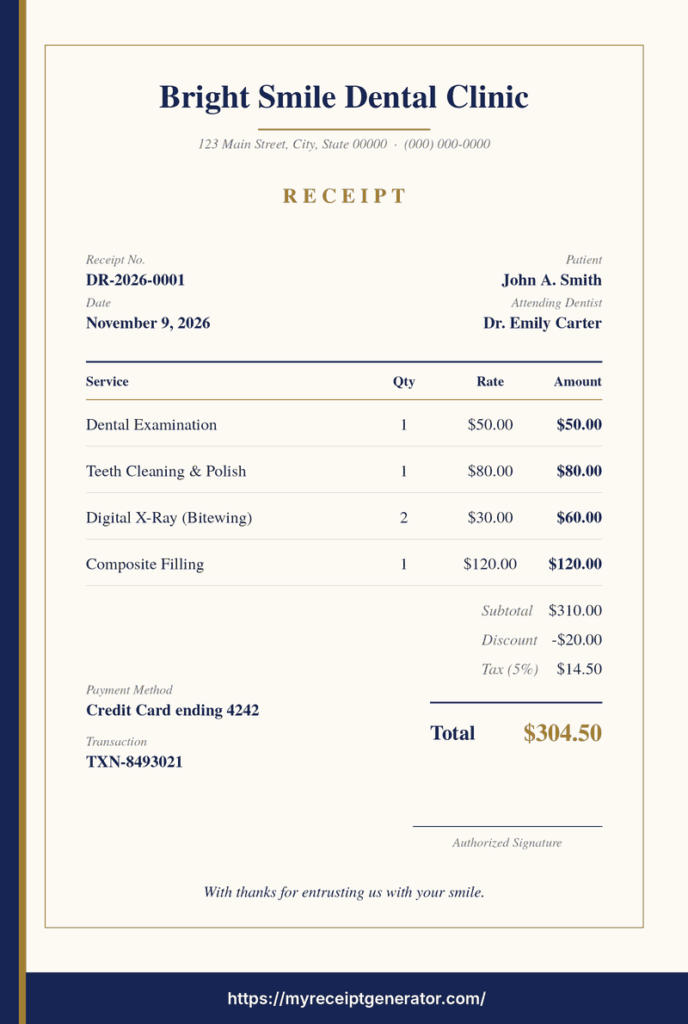
Thermal Printer or A4?
Either works. An 80mm thermal slip is quick at the counter. A4 on letterhead is better for panel companies or anyone who files paperwork. A lot of clinics just use both.
Can I Send Receipts on a Messaging App?
Yes, and most patients like it. A PDF sent the same day doesn’t get lost, and they can forward it to an employer or insurer without asking you again. Keep a printed copy for people who pay in person, and use email as a backup.
Common Mistakes to Avoid
- Vague lines. “Dental treatment” tells nobody anything. “Zirconia crown, tooth 26, Rs 35000” does.
- Lumping medicines together. Put medicines dispensed on separate lines with their own prices.
- Skipping discounts. If it isn’t on the paper, you can’t explain it later.
- Printing too early. Wait until the payment has actually arrived.
- Repeating receipt numbers. It hides gaps.
Frequently Asked Questions
Is a dental receipt the same as an invoice?
No. An invoice asks for payment and a receipt confirms it. Use a separate invoice and receipt for each case, and have the receipt mention the invoice it was paid against. If one slip does both jobs, you lose that link.
Should a reprinted receipt show today’s date?
No, it should show the date the money was received. Plenty of systems print today’s date on a reprint by default, so check it. A payment from January reprinted in March should still say January, so it matches the bank record. For same-day payments, note the time too.
What does a receipt need to show for insurers?
At minimum, the provider, the patient, the amount and the date. If there’s an insurance claim, add the claim reference and the practitioner’s address. Clear details mean fewer rejections from panels.
Do I need special software to make a receipt?
Not really. The receipt maker runs in your browser, and a downloaded template opens in any office program. Billing software is still worth having, though, because good ones refuse the same payment entered twice.
Is this legal or tax advice?
No. The templates and examples here are for general information only, and you are responsible for the legality of every document you issue. For anything tax-related, ask a qualified professional and check the current rules on the Federal Board of Revenue website.