This free POS receipt maker builds an itemized receipt right in your browser. You add your store details, items, tax, and payment method. It does the math and hands you a PNG, JPG, or PDF. No login, no trial, nothing to install.
I’ve worked with small shops and boutiques that struggled with messy records. The fix almost always started with one clear receipt: store details at the top, line items in the middle, tax and a bold total at the bottom. This tool gives you that layout, and you can start from any of our 244 receipt templates.
Use it for real business records, mockups, design samples, or a classroom shop activity. Please don’t use it to fake a sale. I cover that in the legal section below.
How to Make a POS Receipt
- Enter your business name, address, and phone number.
- Add each item with a description, quantity, and price. Hit the plus button for more lines.
- Set your currency, then add your tax label (Sales Tax, VAT, or GST) and rate.
- Pick the payment method and check the preview.
- Download it as a PNG, JPG, or PDF, or print it.
Always check the preview before you save. A typo on a customer copy is hard to explain later.
What Goes in the Business Header
Your business name sits at the top in bold. The address and phone number go right under it. Add your logo here too.
I always start with the header, because a clean one builds more trust than any design tweak. The date and time print on one line, and the order number repeats under the barcode. That makes returns much easier to handle.
How Line Items Work
Each item gets its own row, with the name on the left and the price on the right.
Sell more than one of something? The quantity prints in a small line under the item, like 2 @ $3.49. The row then shows the line total of $6.98.
You can also add a discount to any line and a tip at the end. Not sure what tip to add? Our tip calculator does the math for you.
How Tax and Totals Are Calculated
The tool works through the numbers in this order:
- Subtotal: the sum of all your line amounts, after any discounts.
- Tax: a percentage of the subtotal, printed with your label, like Sales Tax (7.00%). You can add more than one tax line if your region needs it. Choose no tax, and the line disappears.
- Total: subtotal plus tax and tip, printed in bold with the payment method right below it.
The total updates as you type. Set your currency first, so you don’t have to fix every line later. All active world currencies are available.
Unsure of your rate? Check it with our sales tax calculator. If you’re outside the US, use the VAT and GST calculator.
Sample POS Receipt
[Insert sample image. Alt text: “Sample POS receipt with itemized lines, 7% sales tax and cash payment”]
Here’s the sample, top to bottom:
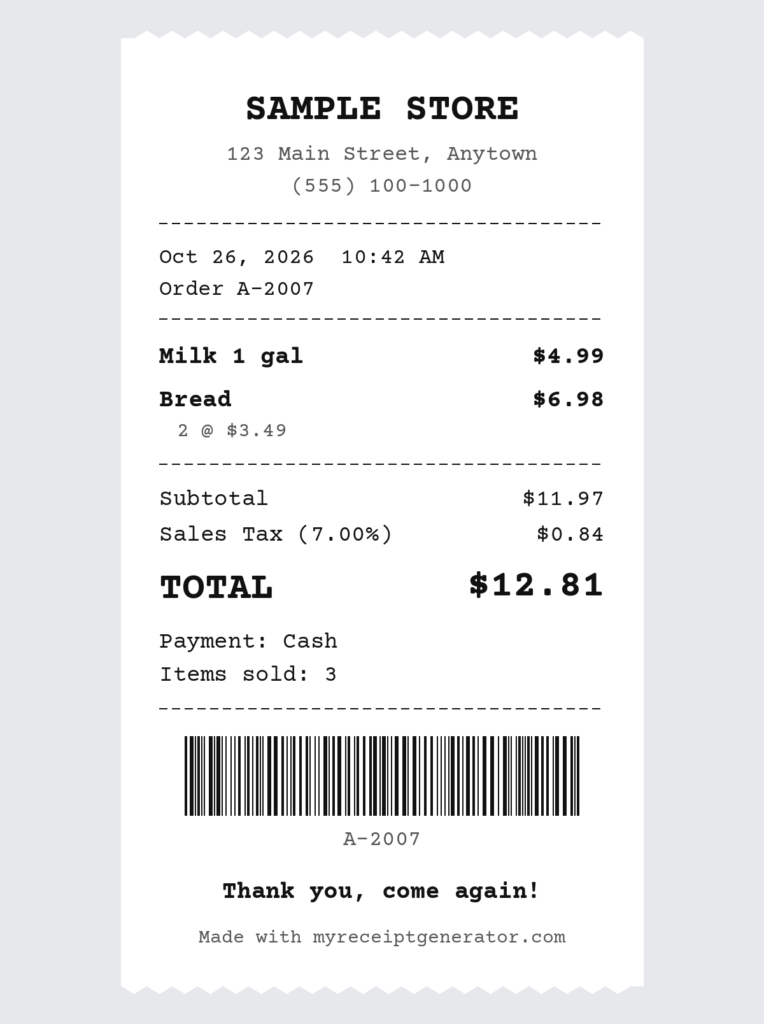
- Header: business name, address, and phone.
- Date, time, and order number.
- Items: milk at $4.99 and bread at 2 @ $3.49, which is $6.98 on the row.
- Totals: subtotal of $11.97, Sales Tax (7.00%) of $0.84, and a bold total of $12.81.
- Payment: Cash, then the items-sold count.
- Footer: “Thank you, come again!”
There are restaurant versions too, with server and guest count. For ride and mileage slips, try our taxi receipt generator.
Pick From 244 Receipt Templates
You don’t have to start from a blank page. The generator has 244 templates across 25 categories, including POS, sales, cash register, restaurant, grocery, pharmacy, hotel, fuel, and auto service. Search by name or browse by category.
Not sure which to pick? Choose the POS or sales receipt template first. You can change every field afterward. Running a café? The restaurant receipt template adds table and server fields. If nothing fits, start from scratch.
Make It Look Like Your Brand
Once the details are right, play with the design. I leave this for last so the layout never breaks.
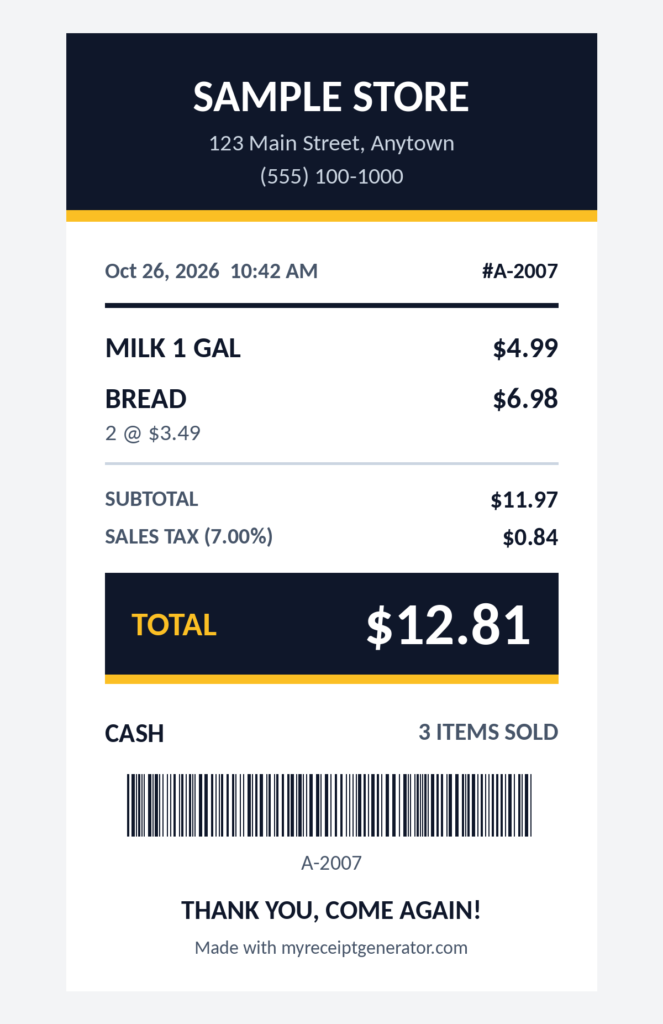
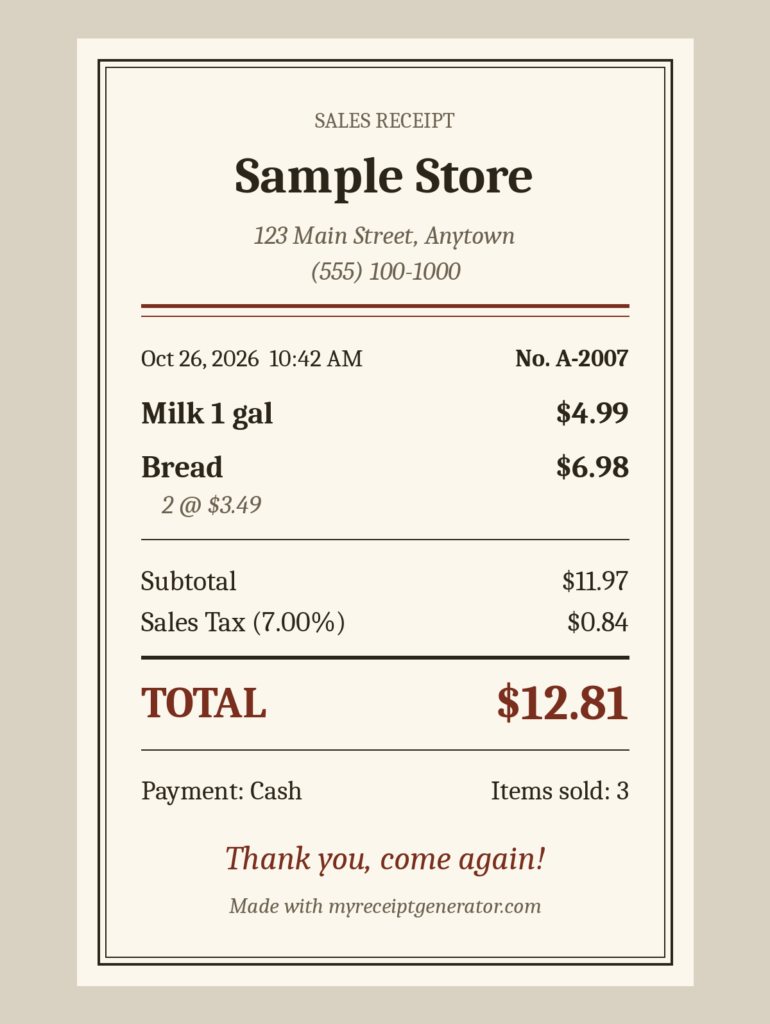
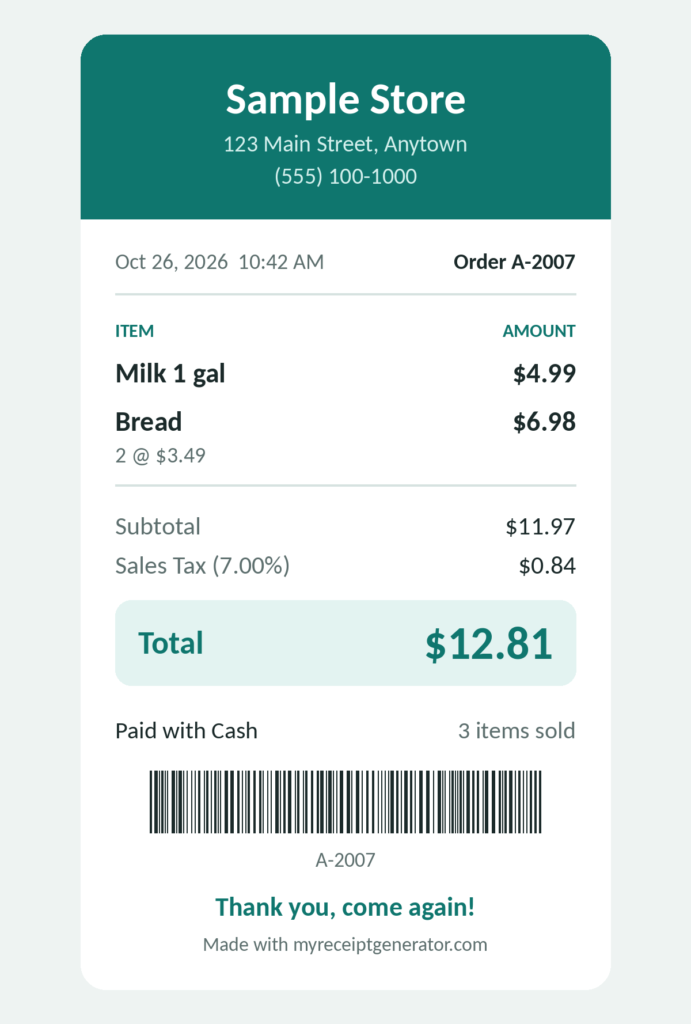
- 5 receipt styles: Till slip, Modern, Classic, Bold, and Minimal.
- 6 brand colors and 6 paper colors.
- 5 receipt fonts. Plain ones print best on thermal rolls.
- A custom footer message and a barcode if you want one. Need a standalone code? Try our barcode generator.
You can also remove any field you never use.
Use It in Your Own Language
The generator works in 42 languages, including Arabic, Urdu, Persian, Hebrew, Hindi, Spanish, French, Portuguese, and Japanese. Right-to-left languages display correctly in the preview and in every download. Dates, times, and money follow each language’s format.
A shop owner in Lahore can make a receipt in Urdu. A café in Lisbon can make one in Portuguese. Template names stay in English, but everything else changes.
Download, Print or Share
Everything here is free. Pick the format that fits your job:
| Format | Best for |
| Emailing to customers. It opens on any phone and keeps the layout intact. | |
| PNG | Quick sharing in chats. |
| JPG | Smaller files for uploads. |
| A4 paper or 80 mm thermal rolls. |
There are also Gmail and WhatsApp buttons. Gmail downloads the PDF and opens an email ready for you to attach it. WhatsApp downloads the image and opens a chat.
The Till slip PDF is 80 mm wide, which matches common thermal rolls. The other styles download at 105 mm. Check your printer’s roll width before you print.
POS Receipt vs Invoice
| POS receipt | Invoice | |
| Purpose | Proof of a payment already made | A request for payment |
| Issued | At the time of sale | Before or after the sale |
| Typical use | Retail, restaurants, counter sales | B2B work, services, credit terms |
| Payment status | Paid | Usually unpaid |
Need to bill a client instead? Browse our invoice templates. Use the invoice number generator to keep your numbering clean.
Other Receipt Types You Might Need
A POS receipt covers counter sales. For other cases, these pages fit better:
- Sales receipt for general sales records.
- Itemized receipt when a customer wants every line broken out.
- Cash receipt for simple cash payments.
- Business receipt for company purchases and expenses.
What a Receipt Should Include
Tax rules differ by country, so check your local requirements. As a general rule, include:
- Business name and address
- Date and time
- Itemized products with prices
- Tax rate and amount
- Total and payment method
- An order or transaction number
For a deeper walkthrough, read our receipt generator guide.
Check Your Local Record-Keeping Rules
Then check the rules where you do business. Each tax office sets its own record-keeping and retention rules:
- United States: the IRS recordkeeping guidance explains what records small businesses should keep.
- United Kingdom: GOV.UK’s business records guide lists till rolls and sales invoices as proof, and sets a minimum of 5 years for self-employed records.
- Australia: the ATO’s record-keeping for business page covers what to keep and how long. It says most records need to be kept for 5 years.
Who Uses This Receipt Generator
Gift stores, clothing boutiques, electronics shops, convenience stores, cafés, and market stalls all use the same basic format. If you sell something and need proof of it, this works.
Is It Legal to Use?
Yes, for honest work.
- Fine: business records, mockups, design samples, presentations, and teaching.
- Not fine: fraud, deception, or passing a sample off as a real sale.
You’re responsible for how you use the tool. This page is general information, not legal or tax advice. Follow your local tax rules.
Frequently Asked Questions
Is this POS receipt maker really free?
Yes. There’s no login, no trial, and no paid plan.
Do I need an account?
No. Open the page, fill in the fields, and download.
Does the receipt have a watermark?
No. A small “Made with” line with our site name prints at the bottom of the receipt.
Which formats can I download?
PNG, JPG, and PDF. You can also print directly. All are free.
Do you save my receipts?
No. Your data stays in your browser and never reaches our server. Download your file before you close the page. The tool only remembers your language choice. You can read more in our privacy policy.
How many templates are there?
244 templates in 25 categories, including POS, sales, cash register, restaurant, grocery, and pharmacy.
Can I print on a thermal printer?
Yes. The Till slip style is 80 mm wide. Download the PDF and print it on an 80 mm roll or on A4 paper.
Does it work on my phone?
Yes. It runs in any mobile browser. You can fill in the fields, preview, and download from your phone or tablet.
Can I use it for business record-keeping?
Yes. It includes the date, items, prices, tax, payment method, and business details. This is general information, not tax advice.