Most billing disputes I’ve untangled for small clinics started with a missing line, not a wrong total. A good medical receipt helps because it clearly describes every charge before the patient leaves the front desk.
After reviewing a stack of healthcare receipts, I’ve noticed medical professionals rarely need fancy design. They need clean templates that list consultations, completed services, and other patient charges in a way insurers and auditors can read in seconds.
This generator lets you fill in a medical receipt in your browser, download it as a printable PDF, or grab an offline template in Word, Excel, Google Docs, or Google Sheets. No sign-up and no fee.
What Is a Medical Receipt?
A medical receipt is the document a healthcare provider gives a patient once payment has been made. It is proof of payment, plain and simple. A complete one shows the patient’s name, the date of service, a short description of each service, the cost of each service, any fees or taxes, the total amount paid, and the provider’s contact details.
The receipt isn’t only for the patient. Insurance companies may ask for it when reviewing a reimbursement, and accountants use it to keep accurate records. I’ve watched clinics spend weeks reconciling accounts simply because their receipts were handwritten and vague.
What Is the Difference Between a Medical Bill and a Medical Receipt?
A medical bill is a request for payment. It lists the itemized charges and the amount owed, either at the time of service or later, once insurance has processed the claim.
A medical receipt is issued after payment. It confirms the patient has paid and records the payment method and date. One asks for money; the other proves it was received. Confusing the two is the most common paperwork mistake I see at clinic front desks.
If payment is still pending, start with an invoice template and issue the receipt once the patient pays.
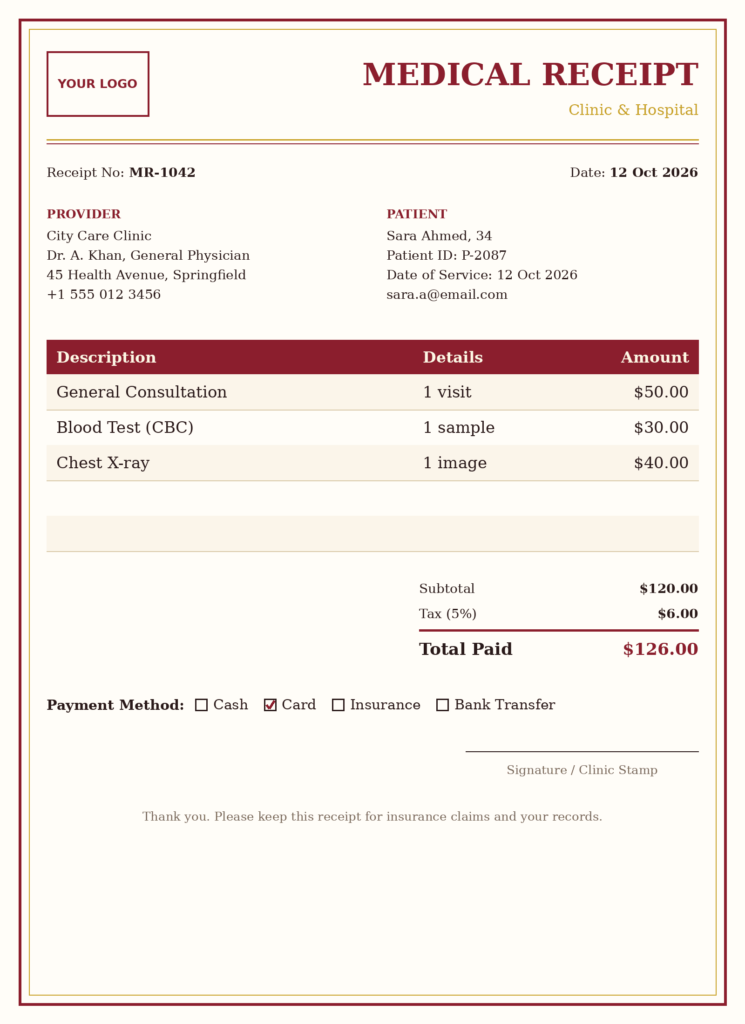
How to Create a Medical Receipt for Free
You can make a medical receipt on this page in a few minutes, even if you have never designed a document before. The form follows the way a real front desk works:
- Hospital details: Hospital name, address, doctor’s name, and designation (for example, Consultant Cardiologist).
- Billing details: Invoice number, registration type, registration number, admission date, discharge date, billing time, and a contact number.
- Logo: Upload from your device, pick an image from the gallery, or paste a URL.
- Patient details: Patient name, age, guardian name (for minors), address, mobile number, room, insurance provider, and the patient’s issue.
- Summary: Each row takes a description, a price, and optional details. The total updates automatically.
- Payment details: Choose the currency, set the tax percentage, and record the payment method. Not sure about the tax amount? Check it with the VAT/GST calculator.
- File details: Set a download file name so the PDF is easy to find later.
Outpatient or inpatient? For a quick clinic visit, leave the admit and discharge dates empty and fill in only the visit date, patient details, and services. Use the admit and discharge dates when the patient stayed in a ward or room.
New to receipts in general? The receipt generator guide covers the basics, and the main receipt maker handles any other type of receipt.
Pick a Free Template and Make It Yours
If you don’t want to start from a blank medical receipt, choose one of the free templates. Every template is editable online, so you can adapt it for consultations, diagnostic tests, or recurring therapy sessions. For therapy practices, there is also a dedicated therapist receipt template. Keep the same logo, fonts, and colors on every receipt your practice issues. A consistent layout makes your receipts look trustworthy, and it helps insurers and accountants find the same information in the same place each time.
You can also add fields that suit your practice, such as a referral code or ward number. Once the design is right, save it and reuse it so your billing stays uniform.
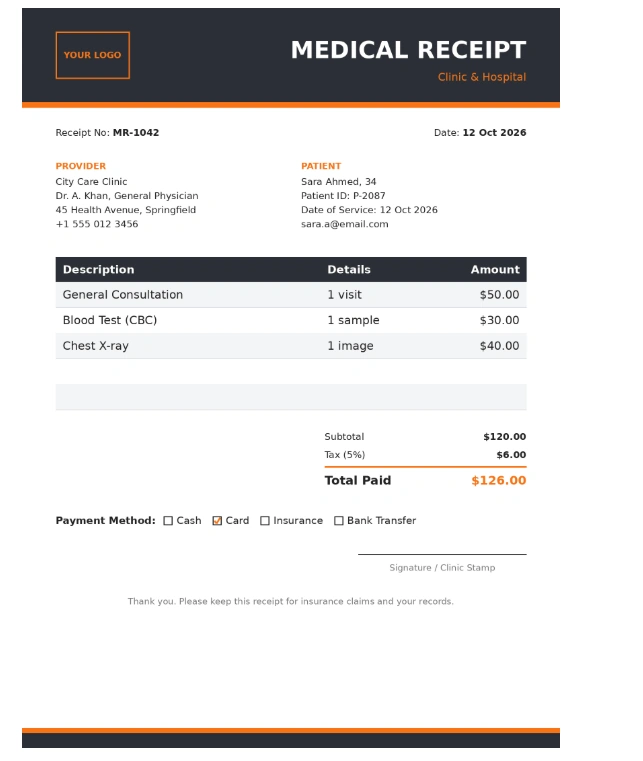
Edit the Receipt Before You Download
The online editor lets you change every part of the receipt: the provider and patient blocks, the receipt number, dates, the table of services, and the total amount paid. Use the footer note for something practical, such as a phone number for billing questions.
Download a Printable PDF or an Offline Template
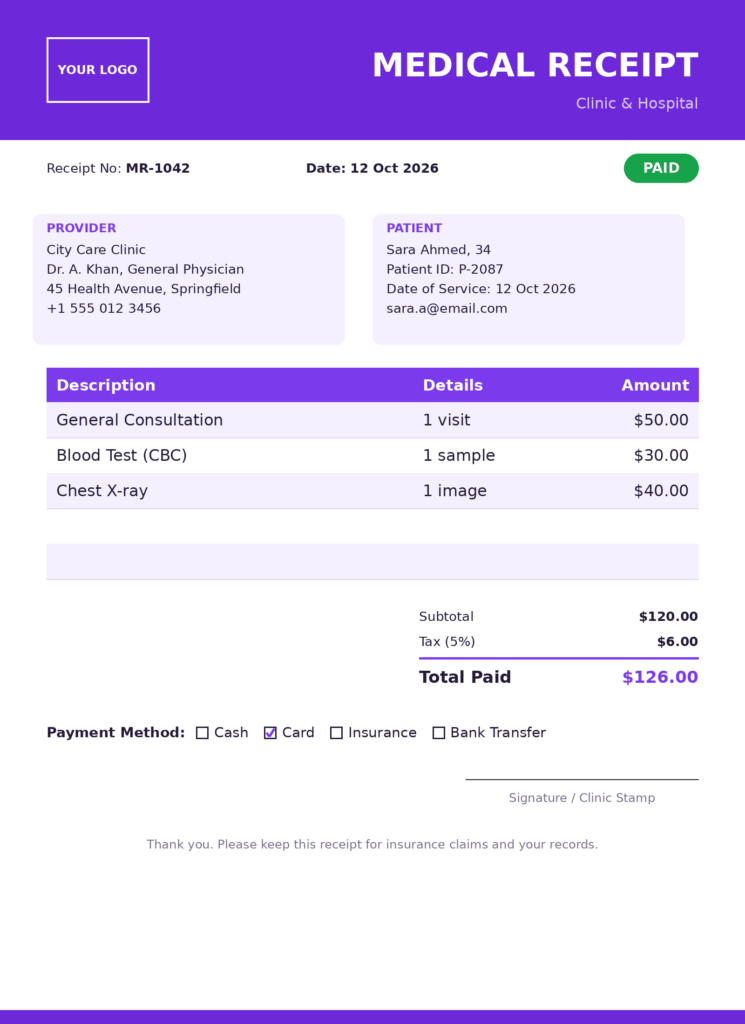
When the receipt looks right, download it as a PDF. Print one copy and hand it to the patient, or email it, and keep another for your records. Having both makes follow-up much easier if a charge is ever questioned.
If your staff prefers to work offline, these editable templates are available:
- Microsoft Word medical receipt template
- Microsoft Excel medical receipt template with built-in formulas
- Google Docs medical receipt template
- Google Sheets medical receipt template
They all print cleanly on A4 or Letter paper.
Example of a Completed Medical Receipt
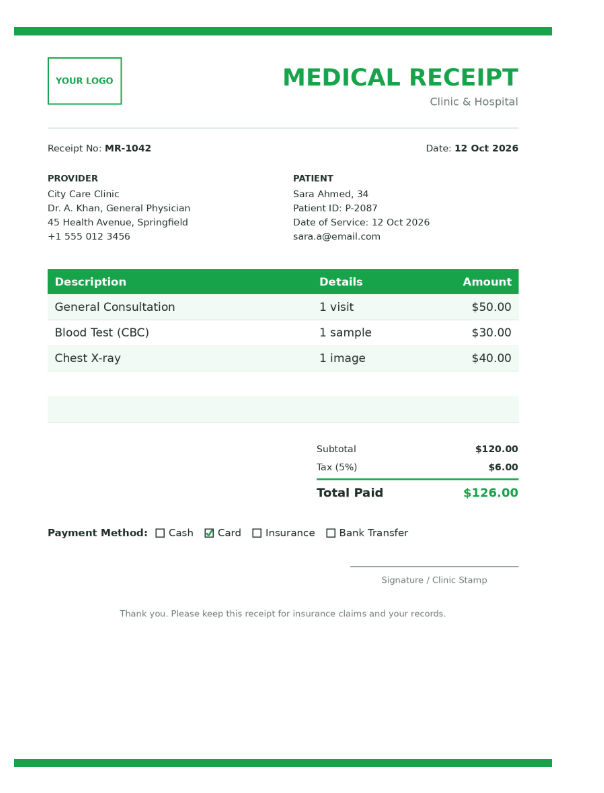
Here is a simple example of what a finished receipt should show. All names and amounts are made up.
Receipt No: MR-1042
Date of service: 12 March
Provider: City Care Clinic, Dr. A. Khan, General Physician
Patient: Sara Ahmed, 34
| Description | Price |
| General consultation (1 visit) | 50.00 |
| Blood test (CBC) | 30.00 |
| Chest X-ray (1 image) | 40.00 |
| Subtotal | 120.00 |
| Tax (5%) | 6.00 |
| Total paid | 126.00 |
Payment method: Card. Payment date: 12 March.
Signature/stamp: Clinic stamp and authorized signature.
Line Item Ideas and How to Bill Them
The form has a description, a price, and an optional details field. Put the unit or quantity in the description or details so the patient knows exactly what was charged. That is what makes it a proper itemized receipt. Here are common ways to word it:
| Service | How to write the line |
| General consultation | Consultation, 1 visit |
| Blood test | Name of test, for example CBC |
| Laboratory analysis | Type of analysis and number of samples |
| X-ray imaging | Body area and number of images |
| Ultrasound scan | Scan type, for example abdominal |
| Vaccination | Vaccine name, number of doses |
| Prescription medication | Medicine name, pack size, quantity |
| Physical therapy | Session count and length |
| Surgical procedure | Name of the procedure |
| Emergency room visit | Per visit, or level of care |
| Medical supplies | Item name and quantity |
| Medical certificate | Certificate type |
| Health check-up package | Package name and what it includes |
What Should Be Included in a Medical Receipt?
Every receipt should carry this essential information:
- Receipt number and date of issue
- Patient’s name and the date of service
- Provider’s name, address, and contact details
- Provider’s registration, license, or tax ID number, where required in your country
- A description of each service with its cost
- Subtotal, taxes or fees, and the total amount paid
- Payment method and payment date
- Signature or official stamp
- Diagnosis or procedure codes, if your insurer or local rules ask for them
Keep everything on one page and double-check the contact information. In my experience, a wrong phone number is behind many unanswered insurer queries.
If you want a consistent numbering system for your receipts, the invoice number generator can help you create clean, unique numbers.
Can I Use a Medical Receipt for an Insurance Claim?
Often, but not always. A receipt proves that you paid, and many insurers accept it as part of a claim. Some also want an itemized bill, a completed claim form, diagnosis or procedure codes, or the provider’s registration number. Requirements differ between insurers and countries, so check your policy or ask your insurer before you submit.
Whatever you send, make sure the receipt shows the patient details, date of service, services provided, and costs. Itemized receipts are usually preferred over a single lump sum. Keep copies for your own records and file the claim promptly.
Can I Use a Medical Receipt for Taxes?
In many countries, yes. Medical receipts can support a deduction for medical expenses. In the US, for example, the IRS lets you deduct unreimbursed medical expenses that exceed 7.5% of your adjusted gross income, but only if you itemize your deductions. Other countries have different rules, thresholds, and forms.
Keep the receipts that show the patient, date of service, provider name, and payment details, and store each one digitally as soon as you get it. For anything specific to your situation, check with your local tax authority or a qualified tax professional.
This page is general information, not tax, legal, or insurance advice. Rules change, so confirm the current requirements where you live.
Privacy: What Happens to the Details You Enter?
Receipts often include patient names, addresses, and insurance details. [Confirm and replace this line with the truth about your tool, for example whether data is processed in the browser only or saved on your servers, and whether you store anything after download.] You can read the full details in our privacy policy. Avoid entering more personal information than the receipt needs, and do not assume any online tool is HIPAA compliant unless it clearly says so.
Frequently Asked Questions
Is a medical receipt the same as a medical invoice?
No. An invoice asks for payment and shows what is owed. A receipt confirms the money has already been received. If the patient has not paid yet, issue an invoice or bill. Once they pay, issue the receipt.
Is a signature or stamp required on a medical receipt?
It depends on the country, the insurer, and the employer. Many hospitals and insurers expect an authorized signature or an official stamp, and it can be the difference between a receipt being accepted or sent back. If you are not sure, add both. It costs nothing and removes doubt.
Can I make a medical receipt without signing up?
Yes. You can fill in the form, preview the receipt, and download the PDF without creating an account.
Can I add my clinic logo to the receipt?
Yes. You can upload a logo from your device, choose one from the gallery, or paste an image URL.
Can I add tax or use a different currency?
Yes. Set the tax percentage and choose the currency in the payment details section. The total updates on its own.
Is a handwritten medical receipt valid?
Often it is accepted if it is complete and legible. But handwritten receipts are easier to dispute, easier to misread, and more likely to be missing details. A typed or printed receipt with a clear itemized list is safer, especially for insurance claims.
What is the difference between a hospital receipt and a doctor’s fee receipt?
A hospital receipt usually covers many charges, such as room, tests, procedures, and medicines, and may include admission and discharge dates. A doctor’s fee receipt is typically shorter and covers the consultation or procedure fee from one practitioner. The same generator works for both. Just add the lines that apply. For a single fee, a simple service receipt is another option.
Can I get reimbursed by my employer with a medical receipt?
Many employers reimburse medical costs under a health benefit or allowance, but each has its own policy. Ask your HR or finance team what they need. Most want an itemized receipt with the patient name, date, provider details, services, and proof of payment.
How long should I keep medical receipts?
Retention rules differ by country and by purpose, such as taxes, insurance, or business records. Keeping them for several years is a common habit, but check your local tax authority or insurer for the exact period. Store a digital copy as soon as you receive each one.
Can I edit a medical receipt after downloading it?
The PDF is meant as the final copy. If you need changes, edit the receipt in the generator and download a new file, or use the Word or Excel template. If a receipt has already been given to a patient or insurer, issue a corrected one and keep a note of what changed instead of quietly replacing it.
Can I issue a receipt for a partial payment?
Yes. Write the amount actually paid, mark it as a partial payment in the details, and note the remaining balance. This keeps both sides clear on what has been settled.